Keptby Gnilebat Labs

Android has no single “Recently deleted” album. Each app has its own trash: Google Photos (Collections → Trash), Samsung Gallery (≡ → Trash), Files by Google (☰ → Trash), and Kept (Settings → Deleted by Kept). Deleted photos stay there for 30 days, then they’re gone for good.
Google Photos
- Tap Collections → Trash. In UK English it’s called Bin.
- Touch and hold the photos you want back and tap Restore.
Everything stays in Google Photos’ trash for 30 days. Google changed this in September 2026: before, photos that were backed up stayed for 60 days, and many older articles still say so. Delete permanently removes them right away, and then they can’t be restored.
Samsung Gallery
- In Gallery, tap ≡ → Trash. On older phones it’s called “Recycle bin”.
- Tap Edit, select the photos (or All) and tap Restore.
Photos stay for 30 days. To empty it now: ⋮ → Empty. Since One UI 6, deletions from Gallery, My Files and Voice Recorder can also be managed in My Files → Trash.
Files by Google
- Tap ☰ → Trash.
- Select the files and tap Restore.
Files stay for 30 days, then they’re deleted automatically.
Photos you deleted with Kept
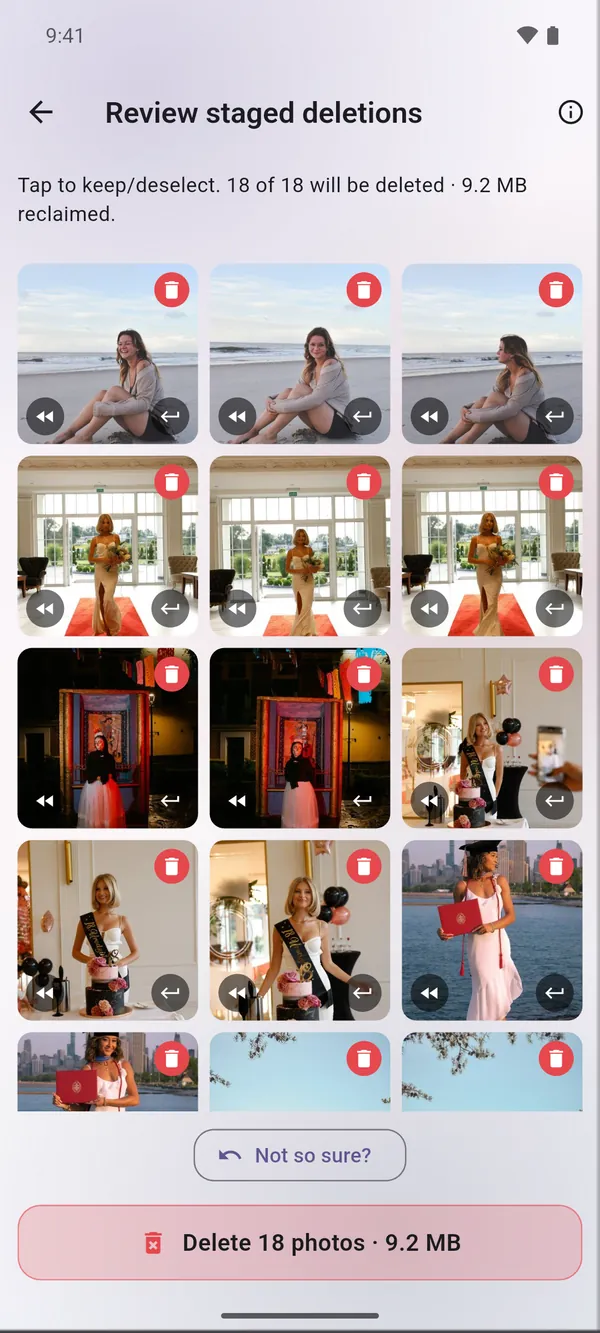
Kept moves deleted photos to Android’s own trash. Android keeps them for about 30 days and then removes them for good. The easiest way to bring them back is in Kept itself:
- Open Kept and go to Settings → Deleted by Kept. You see every batch from the last 30 days.
- Tap a batch to see its photos.
- Tap Restore. Android asks you to confirm, and the photos go back to their original albums.
Do deleted photos still take up space?
Yes. A photo in the trash still uses storage until the 30 days are up or you empty the trash. If your phone is full and you’re sure, empty the trash in the app you deleted with. More in Phone storage full? What to delete first.
After 30 days
Once a photo is gone from the trash, it’s gone from the phone. If you had backup on, look in your Google Photos account at photos.google.com or in your cloud backup: a photo that was only removed from the phone may still be there. Apps that promise to recover photos after that rarely can.
Delete with a safety net
- Swipe away what you don’t need. Swiping only sets photos aside.
- Check the pile, take back anything you’re not sure about, and confirm once.
- Changed your mind later? Settings → Deleted by Kept brings back any batch from the last 30 days.